
Apparently, we were now handling real estate closings
The message arrived through our website's contact form.
Someone identifying herself as the founder and managing shareholder of a law firm said she had a client who needed assistance with a property purchase. An agent had supposedly referred her to us, and she wanted to know whether we could accommodate the transaction.
It included an attorney's name, a law firm, a telephone number, and an office address. At first glance, it looked like a genuine business inquiry.
There was just one problem.
We are an IT company for law firms. We do not provide legal services, notarize documents, or handle property closings.
Apparently, our service menu had expanded without telling us.
Still, people sometimes misunderstand what a business does. An unusual request is not automatically a scam, so I replied, explained our services, and asked a straightforward question:
“Is the buyer a law firm in need of IT services?”
A reasonable question. Unfortunately, it did not receive a reasonable answer.
The reply answered everything except the question
The next message explained that the buyers were a newly married couple who wanted to close as soon as possible.
It offered a Microsoft Teams meeting link, referred to supposedly signed purchase documents and a deal sheet, and directed us toward a link labeled “MLS Listings & Referral Buyer.”
It also encouraged us to take a look immediately and discuss an initial payment.
What it did not explain was why an IT company was being asked to handle a real estate transaction.
Our actual question had apparently entered the witness protection program.
The message also carried a security warning from our email security system:
A newly registered domain is not, by itself, a guilty verdict. But combined with an irrelevant request, unanswered questions, urgency, and invitations to click, it gave us another reason to pause.
We had asked what services were needed. The sender was trying to move us toward links and documents.
Those are not the same conversation.
The lawyer existed. That was the clever part.
We searched for the law firm independently.
There it was: a real firm with a real website. The attorney's name checked out too.
That could easily have been the end of the investigation. A quick search, a reassuring result, and back to the email.
But finding a real person was not enough. We needed to establish whether that person was actually contacting us.
So we compared the details.
The telephone number in the inquiry did not exactly match the number on the firm's website.
Then we looked more carefully at the email domain.
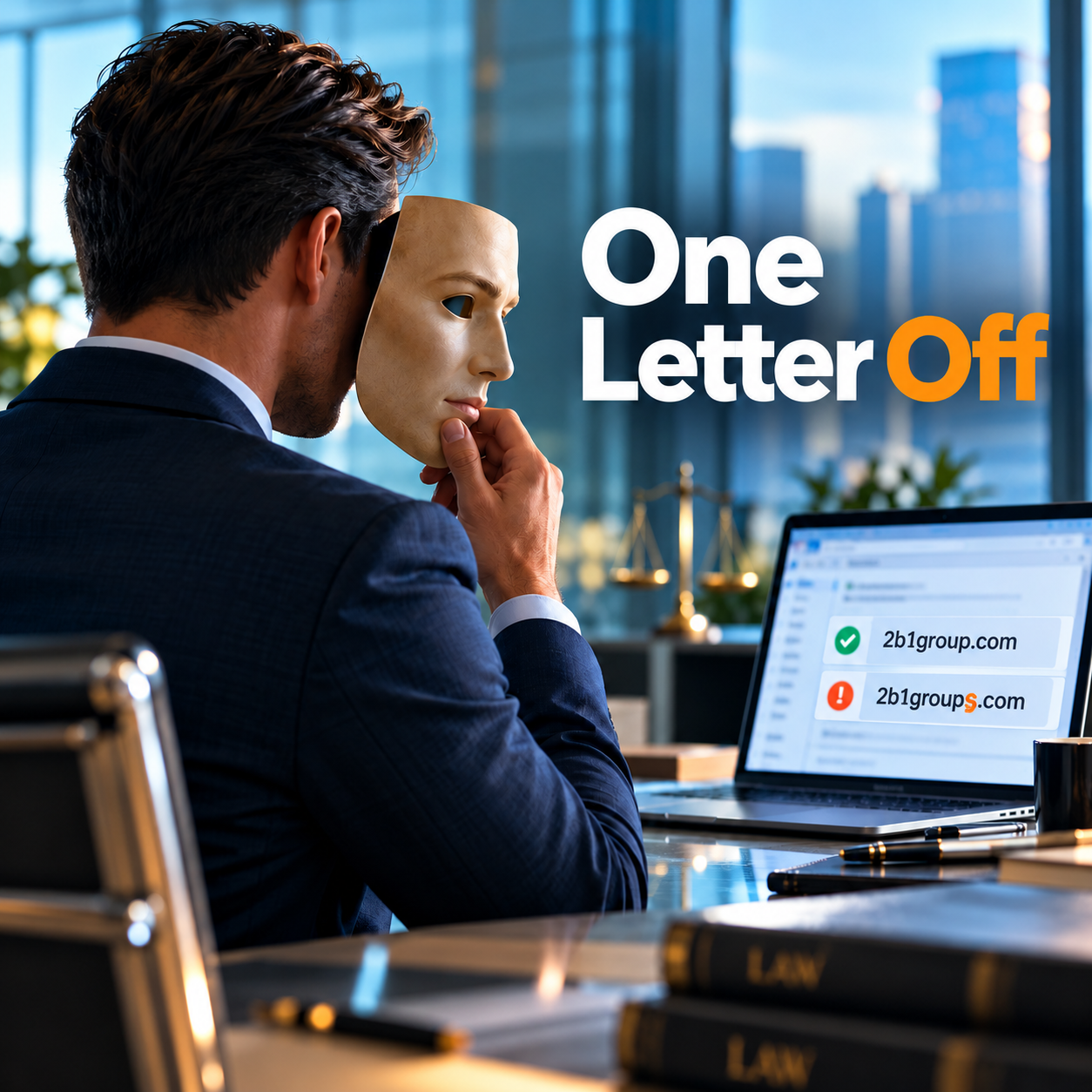
Using fictional names, the difference looked like this:
Exhibit A · Spot the extra letter
MyLawFirmGroup[.]comMyLawFirmGroups[.]comOne extra s.
It was easy to overlook. It also meant the sender was using a different domain.
A bar-association listing helped corroborate the legitimate contact details. The supposed sender had copied enough of a real professional identity to look convincing, while changing the details that mattered for contacting her.
The FBI specifically warns that scammers use small variations in email addresses and website names to create this kind of confusion. (FBI guidance)
We contacted the real attorney
Using the independently verified email address—not the one in the suspicious inquiry—we contacted the actual lawyer.
She confirmed that someone was impersonating her and her firm. She also explained that they had already reported the incident and were making a police report.
We shared additional reporting resources, including how to identify the suspicious domain's registrar and report the abuse. She knew about most of them, but a couple were new and useful.
There was no dramatic hacker arrest, no cinematic countdown, and no claim that we had shut down an international crime ring before lunch.
There was something more practical: the impersonation was confirmed, the legitimate firm was aware, and useful reporting information reached the right people.
Does law firm email impersonation mean the firm was hacked?
Not necessarily—and that distinction matters.
Although often loosely called “spoofing,” the specific trick here was lookalike-domain impersonation: using a similar-looking domain while pretending to be someone associated with the genuine one.
This does not require access to the real attorney's mailbox. Nothing in the correspondence established that her actual email account or systems had been compromised.
Here is the technical wrinkle: email-authentication controls such as SPF, DKIM, and DMARC help protect against forgery of your genuine domain, but they cannot, by themselves, stop someone from using a separately registered lookalike. Microsoft explicitly notes that an impersonating domain can pass those checks when the attacker has configured that domain correctly. (Microsoft documentation)
That is why a security review should consider impersonation protection as well as email authentication. They address related, but different, problems. (Microsoft documentation)
Your contact form is not a character reference
Another important detail: this conversation began through our own website.
The notification was familiar because it came through our normal inquiry process. But the information inside it had been supplied by an outside visitor.
A contact form can collect a name, email address, and message. It does not establish that the person submitting them is who they claim to be. Microsoft has documented attacks that abuse legitimate website contact forms to deliver deceptive messages and malicious links. (Microsoft security research)
The same distinction applies to familiar branding inside an email. A link labeled “Microsoft Teams” is not proof that its destination is safe. The visible wording and the actual destination can be different. (Microsoft phishing guidance)
What should your team do when a message feels “slightly off”?
The most useful lesson from this incident is not simply “look for an extra letter.”
It is pay attention when the conversation stops making sense.
Here, the first meaningful inconsistency was the request itself. The second was a reply that ignored our clarification. The mismatched telephone number and lookalike domain then strengthened the concern.
When that happens, stop using the suspicious message as your source of truth. Independently find the organization's contact details and verify the request through that channel. The FBI recommends looking up the telephone number yourself rather than calling the number supplied in a potentially fraudulent message. (FBI guidance)
For a law firm, this is especially important when a message involves payment instructions, client funds, or a last-minute change to where money should be sent. The FBI identifies fraudulent transaction and wire instructions as examples of business email compromise. (FBI: business email compromise)
And when someone has already clicked, encourage them to tell IT promptly and explain what happened—whether they opened a page, downloaded something, entered a password, or approved a sign-in request. Suspected phishing exposure should be reported to the organization's IT or security team. (Microsoft phishing guidance)
When suspicious links or downloads reach a workstation, endpoint detection and response (EDR) provides another layer of protection by monitoring for malicious activity.
Someone is impersonating your firm. Where do you report it?
Start by preserving the original correspondence and full email headers—the technical information that helps establish how a message was sent. Keep dates, sender addresses, suspicious URLs, and related evidence. IC3 specifically recommends retaining original records and electronic copies of emails, including their headers. Your IT provider can help collect these without opening suspicious content. (IC3 reporting FAQ)
Then use the reporting channels that match the problem:
| Resource | What it's for |
|---|---|
| ICANN Lookup Find the domain registrar | Identify the company managing the suspicious domain's registration and locate its abuse contact. Submit the evidence to that registrar and request investigation and appropriate action. The lookup tool is not itself an abuse-report form. (Lookup FAQ) |
| FBI Internet Crime Complaint Center Report cyber-enabled crime | Report suspected cyber-enabled fraud, phishing, and impersonation. Reports help law enforcement identify and connect criminal activity; an individual response is not guaranteed. |
| FTC ReportFraud Report business impersonation | Report scams and business impersonation. The FTC specifically directs businesses experiencing this type of impersonation to its reporting service, law enforcement, and IC3. (FTC business guidance) |
| Microsoft: Report an Unsafe Site Flag suspicious website URLs | Submit suspicious website URLs for review. This can help Microsoft identify unsafe sites and warn users through SmartScreen. It is not a domain-suspension service. |
When a registrar fails to address a documented phishing-abuse report, ICANN's contractual-compliance complaint process provides an escalation route for issues within its scope. That is different from asking ICANN to investigate the underlying crime.
These channels serve different purposes. A police report documents the incident. A registrar abuse report addresses the domain being used. A browser-security report can help warn other potential victims. None is an automatic, instant shutdown button.
For the impersonated firm, warning clients and staff is also important. The FTC recommends notifying customers when scammers are using a business's identity. A clear notice identifying the genuine contact details can help people verify future messages. (FTC business guidance)
The smallest detail can change the whole story
This incident did not begin with an obvious demand for passwords or a stranger offering us a fortune.
It began with a plausible professional identity and an apparently ordinary business opportunity.
What exposed it was the mismatch between the story and reality: services we did not provide, questions that went unanswered, a telephone number that did not quite match, and a domain with one extra letter.
The takeaway is not that every new inquiry deserves suspicion. It is that a familiar name should not overrule an inconsistent story.
Sometimes the most useful cybersecurity question is simply:
“Does this actually make sense?”
And sometimes the answer is hiding in an extra “s.”
A second set of eyes can help
At 2b1 Inc., we help law firms assess suspicious messages, strengthen email security, and give their teams practical ways to recognize impersonation attempts.
For a conversation about your firm's defenses, call 415-284-2221 or fill out the form below.
Explore our 2b1 Care cybersecurity packages for law firms to see the protection options available for your practice.
We're happy to help with your cybersecurity. The property closing will still need an attorney.
By Paolo Broggi · 2b1 Inc. | Official resource links open in a new tab.