
For years, my iPhone has known a great deal about my life, but it has not always been very good at helping me retrieve that information.
The address I need might be buried in a month-old text conversation. A confirmation number might be sitting somewhere in Mail. The date of an appointment may appear in one message, while the location is hidden in another. The information is there, but I still have to remember where it lives, open the right app, search for the right words, and assemble the pieces myself.
After testing the iOS 27 beta, I have started changing that habit.
Instead of treating my iPhone as a collection of separate apps, I am beginning to treat it as a single source of personal context. More often, I start by asking Siri.
Siri AI is the feature that matters most
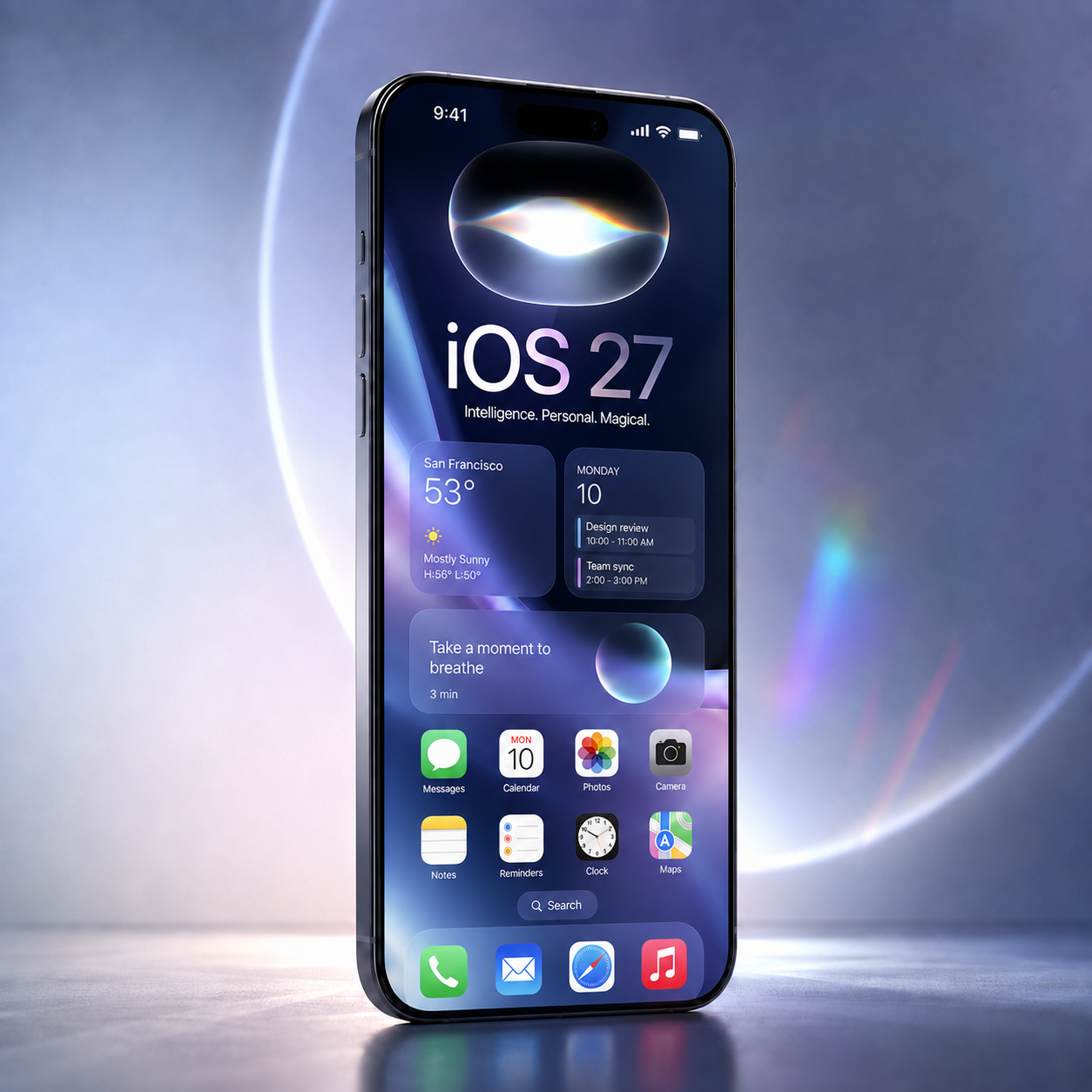
iOS 27 includes plenty of changes, but the headline feature is Siri AI, Apple’s rebuilt assistant powered by the next generation of Apple Intelligence.
Apple says Siri AI can understand what is on the screen, search relevant personal information across apps such as Messages, Mail, and Photos, answer broader questions using current information from the web, and take supported actions inside apps. It can also continue a conversation, allowing the user to ask follow-up questions without repeating all the context.
The important change is not simply that Siri produces longer or more polished answers. Other AI systems already do that.
The more meaningful development is that Siri can work with information already stored on the device.
My phone is beginning to feel less like a filing cabinet and more like an assistant who knows which drawer to open.
Finding information that used to feel lost
One of the clearest improvements is the ability to retrieve information buried inside old conversations and emails.
I can ask Siri to find the restaurant someone recommended several months ago, locate a confirmation number in an old email, or pull together information connected to an upcoming event. Apple has demonstrated similar examples, including finding a recommendation in Messages and retrieving hotel details from Mail.
This sounds like a small convenience until you think about how often it happens.
People rarely organize their messages like a database. We do not label a text “Important restaurant recommendation for future retrieval.” We mention the restaurant in the middle of a conversation about weekend plans, then forget who sent it or when.
Traditional search expects me to remember the right keyword. Siri AI is beginning to work with meaning and context instead.
That difference can save several minutes at a time, but the larger benefit is mental. I no longer have to keep track of where every piece of information is stored.
Turning a group conversation into a plan
Consider a group text about a party.
Several people say what they are bringing. Someone mentions drinks. Another person offers dessert. A third says they will make a salad, but only after several unrelated messages and jokes.
Previously, I would have to read through the conversation again, make a list, decide what was missing, and create a calendar entry or reminder.
With Siri AI, I can ask what everyone has offered to bring, request a suggestion that complements the existing menu, and save the result in Notes or another supported app. Apple has highlighted a similar potluck example in which Siri uses the content of a message, helps the user decide what to bring, and adds a recipe to Notes.
This is where the new system begins to feel like an assistant rather than a voice-controlled search box. Siri is not merely finding a fact. It is using that fact as part of a larger task.
Travel is a useful test of the idea
Travel creates exactly the kind of fragmented information Siri AI is designed to handle.
Flight details may be in an email. The airport address belongs in Maps. An arrival time needs to be sent through Messages. A delay might change when someone should leave to pick me up.
One workflow I have been experimenting with is asking the system to help monitor a flight, alert me when its timing changes, and prepare an updated arrival message for the person driving to the airport.
When it works, the value is obvious. I am no longer moving manually among several apps and copying information between them.
In the beta, however, these connected workflows still depend on the apps involved, the permissions I have granted, and whether the system requires confirmation before completing an action. I would not yet rely on a beta automation as the only source of time-sensitive travel information.
The potential is significant, but the beta still needs supervision.
Research now belongs inside the same conversation
Siri AI can also answer open-ended questions using broader web knowledge. Apple says users can ask about current topics, receive generated answers, and continue with follow-up questions.
That puts Siri in more direct competition with existing conversational AI systems, but its position on the iPhone gives it a distinct advantage.
A general AI assistant can research a destination. Siri can potentially research the destination while also understanding the dates in my calendar, the hotel information in my email, and the location a friend sent in Messages.
The difference is personal context.
Research becomes more useful when the assistant understands the reason behind the question.
Multi-step requests are where things become interesting
The most promising change is the ability to combine several steps into one request.
Some of this work may involve Siri AI directly. Other workflows are powered by the expanded Shortcuts system, which can build automations based on a natural-language description and connect actions across several apps. Apple gives the example of creating an automation that messages someone with an estimated arrival time when the user leaves work.
A useful way to think about the relationship is that Siri can provide the conversation, while Shortcuts supplies some of the machinery.
As a user, I do not necessarily care which system performs each step. I care that I can describe the outcome instead of programming every action manually.
That is a substantial change. The phone is beginning to understand the destination, not only the next tap.
Personal context also raises the privacy question
An assistant that understands messages, email, photos, appointments, and on-screen information must earn a high level of trust.
It would be misleading to say Siri simply receives unrestricted access to everything on the phone. Apple says Siri AI uses the Spotlight index and an on-device App Toolbox to locate content and perform actions. More complex processing may use Private Cloud Compute, which Apple says does not store the personal data involved in a request or make that data accessible to Apple.
A better metaphor is that Siri is not being handed a master key. It is being given a catalog of the drawers it is permitted to open.
Even so, technical architecture is only one part of trust. Users also need clear permission controls, understandable confirmation screens, and predictable behavior. A private assistant that sends the wrong message is still a problem.
The beta still behaves like a beta
My experience has included trial and error.
Sometimes I have needed to rephrase a request. Sometimes Siri has understood the information but not the action I wanted. Connected tasks can require more confirmation than expected, and the results are not always consistent.
Apple’s current iOS 27 beta release notes continue to identify Siri-related issues, including contact-selection errors, problems retrieving the correct message, slower responses in CarPlay, and failures involving certain app actions or search results.
That does not make the beta unsuccessful. It means the direction is clearer than the finished product.
For now, Siri AI works best when I treat it like a new assistant during its first week on the job. It has access to powerful tools and can save real time, but I still review important work before relying on it.
Not every iOS 27 phone will have the same experience
Another important distinction is hardware support.
Apple says iOS 27 itself will run on devices beginning with the iPhone 11 and the second-generation iPhone SE. Siri AI has narrower requirements. Apple currently lists the iPhone 15 Pro, iPhone 15 Pro Max, and iPhone 16 models or later as compatible with Siri AI and the newest Apple Intelligence capabilities.
Availability will also vary by language and region. Apple says Siri AI will initially arrive as an English-language beta later in 2026. It will not initially be available on iPhone or iPad in the European Union, and Apple says its new Apple Intelligence features will not be available in China while regulatory issues are addressed.
Anyone reviewing iOS 27 should therefore identify the device, beta version, language, and region being tested. Two people running iOS 27 may not have access to the same features.
When will iOS 27 be released?
Apple has announced only that iOS 27 will arrive as a free software update in the fall. It has not announced a specific release date.
September is a reasonable expectation based on Apple’s recent history. iOS 16 was released on September 12, 2022; iOS 17 on September 18, 2023; iOS 18 on September 16, 2024; and iOS 26 on September 15, 2025.
That pattern points toward September 2026, but it remains an informed estimate rather than a confirmed date. Siri AI may also follow its own rollout schedule, even after the main iOS 27 release.
A different relationship with the phone
The biggest change in iOS 27 is not that Siri can answer more questions.
It is that Siri is beginning to understand how information on the phone relates to the task I am trying to complete.
An email can become a calendar event. A group conversation can become a shopping decision. Travel information can become a message. A vague memory can become a specific result without requiring me to remember which app contains it.
The beta is not flawless. It still requires patience, clearer phrasing, and occasional correction. Some of the most ambitious workflows remain dependent on app support and permissions.
Even so, I have already started changing the way I rely on my iPhone.
I am opening fewer apps simply to hunt for information. I am asking more complete questions. I am beginning to delegate small tasks that I previously completed one screen at a time.
That may be the most important sign of what iOS 27 represents. Siri is no longer limited to answering the phone. It is beginning to understand the assignment.