

Wait, what exactly is an AI agent?
 A traditional AI copilot is reactive. You ask. It answers.
An AI agent is goal driven. You give it an outcome and access to tools, and it:
- Breaks the work into steps
- Calls the right tools in the right order
- Brings the result back for human approval
In other words, it does not just tell you what the next step is. It carries the ball for a few steps, then hands it back neatly.
In a law firm context, that means things like:
- Watching intake email boxes and web forms
- Classifying new matters and creating files
- Pulling key data from documents and putting it into your practice management system
- Drafting standard documents from templates
- Pushing tasks to the right timekeeper
- Checking invoices against client guidelines
Think of it as a junior matter manager who never sleeps, never loses a sticky note, and always fills in all the fields. It still needs supervision, but it handles a lot of the drudgery.
Where are these agents already working?
 You may already have early versions in your tech stack, even if no one calls them “agentic”.
Here are a few places they show up.
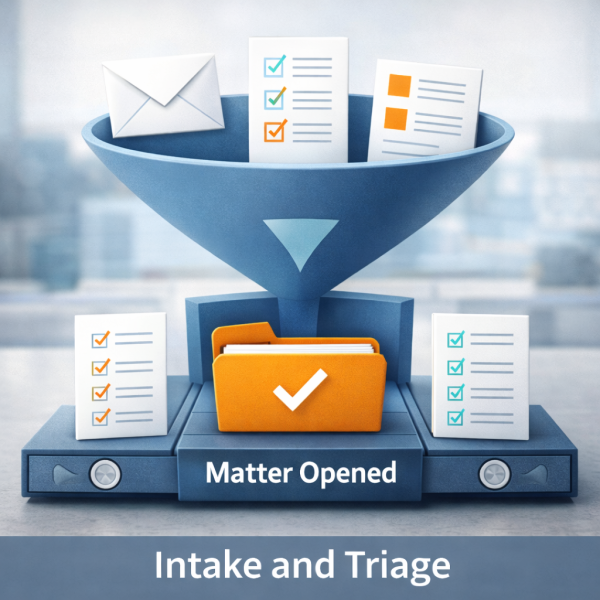
1. Matter intake and triage
Right now, many firms rely on a heroic combination of:
- A shared inbox
- Someone’s memory
- A spreadsheet that only one person updates
An intake-oriented AI agent can:
- Read incoming emails and web form submissions
- Recognize the type of matter (for example non disclosure agreement, employment contract, personal injury intake)
- Create or update a matter record in your practice management system
- Capture key metadata: client, deadlines, jurisdiction, practice area, conflict details
- Assign initial tasks and route the matter to the right team
You still decide which clients to accept. You still handle conflicts and engagement letters. The agent simply stops work from disappearing into email land.
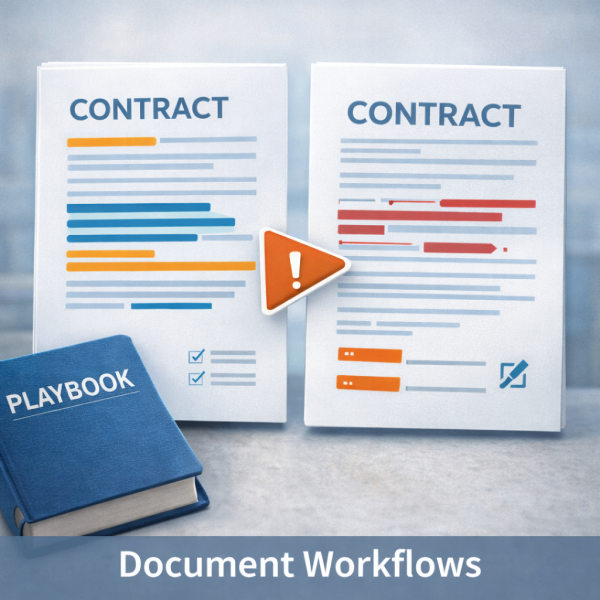
2. Document workflows and contract review
 You may already be using a contract lifecycle management (CLM) system or at least a good document management system (DMS).
An AI agent connected to those can:
- Take a counterparty draft and compare it to your standard
- Apply your playbook and suggest changes
- Flag deviations that need partner review
- Update the matter file with the latest draft and a summary
- Push a task to the right reviewer instead of leaving it in limbo
This is more than “ask the AI what this clause means”. It is the system preparing the work, packaging it, and putting it in front of the right human at the right time.
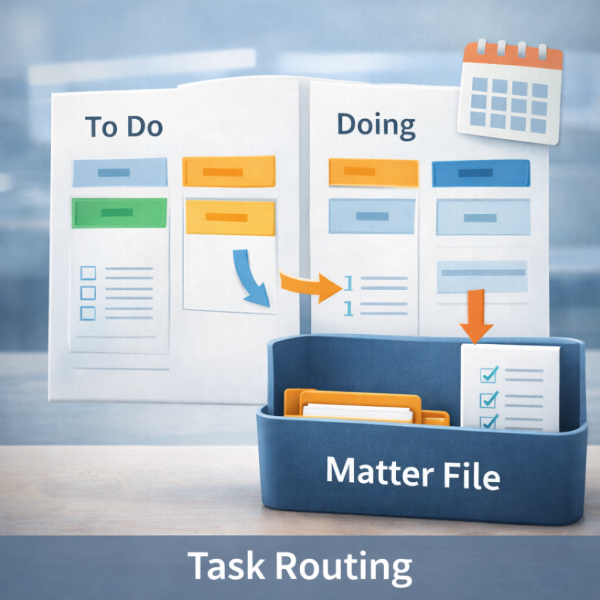
3. Task routing, reminders, and follow through
 Law firms are full of micro tasks that no one enjoys:
- “File this with the court by Friday.”
- “Send the client an update after the hearing.”
- “Make sure this corporate resolution gets signed by everyone.”
Agentic systems excel at the boring parts:
- Watching for status changes
- Creating tasks and checklists automatically
- Nudging people with reminders
- Escalating when something is overdue
Your office manager stops being the human reminder system. The AI agent takes that role, and the humans focus on client care and judgment calls.
4. Billing hygiene
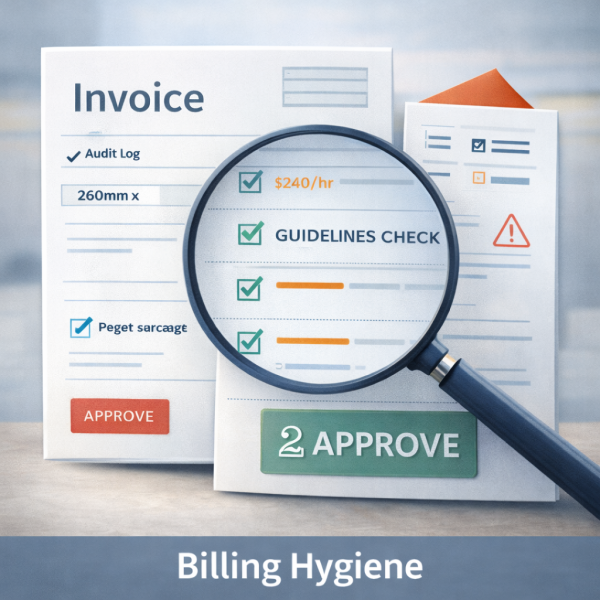
Client billing guidelines are getting stricter. No block billing. No vague descriptions. No charging for purely administrative work.
An AI agent embedded in your time and billing system can:
- Scan time entries in real time
- Flag entries that violate guidelines
- Suggest clearer wording
- Highlight potential write downs before invoices go out
You still control what gets billed. The agent just spots the problems early so you do not spend partner time cleaning up invoices at the end of the month.
“Are we talking robots doing law?”
Short answer: no.
Slightly longer answer: the firms that are doing this well treat AI agents as very diligent but very junior staff.
To keep it safe and sane, most set it up like this:
- Human in the loop: Agents draft, prepare, and route. Lawyers and legal staff approve, edit, and sign.
- Clear scope: Each agent has a job description, like “intake triage” or “NDA first pass”, not “do legal work”.
- Audit trails: Every action is logged. You can see what the agent did, what it used, and what the human changed.
- Policy alignment: Your conflicts rules, risk policies, and client preferences are baked in as rules and playbooks, not left to chance.
Think of an AI agent as the intern who really can read a 70 page lease in under a minute, but still needs you to say yes before anything leaves the building.
How managing attorneys and office managers can actually use this
Here is how you turn “agentic AI” from buzzword into something that makes Tuesdays less painful.
Step 1: Pick one workflow that hurts
Not an entire practice area. One workflow.
Examples:
- New matter intake for a specific practice
- Standard non disclosure agreement review
- Opening and closing litigation files
- Routine corporate housekeeping tasks
Look for work that is:
- Repetitive
- Rules-driven
- High volume
- Low satisfaction for your team
If people sigh when they see it, it is a candidate.
Step 2: Map the steps like a detective
Get a whiteboard. Map what actually happens, not what the manual says.
For each step, label it:
- “Judgment” – needs a lawyer’s brain
- “Admin” – could be automated safely
- “Mixed” – AI could prepare, human must approve
This is your blueprint for where an agent can help.
Step 3: Ask vendors very specific questions
When you talk to a vendor, skip the magic demo and ask:
- “What is the exact start trigger for the agent?”
- “Which systems does it read and write to?”
- “Which steps are automated and which always require human approval?”
- “What does the audit log actually look like?”
- “How do we encode our playbooks and client rules?”
If they cannot answer those crisply, you are not buying an agent. You are buying a themed chatbot.
Step 4: Run a pilot with clear metrics
 Set a three month or six month pilot for that one workflow.
Measure:
- Average time from intake to first draft
- Number of touches per matter
- Time spent on admin versus legal analysis
- Error rates or rework
- Team satisfaction
Share the results with partners in concrete terms. “We reduced matter opening time by 40 percent and freed up 20 hours a month of paralegal time” lands better than “The AI seems neat.”
Step 5: Write the job description for your agents
Finally, treat your agents like team members with roles and boundaries.
Document:
- What they do
- What they never do
- Who supervises them
- How to escalate issues
- How often performance is reviewed
This helps with risk management and culture. It tells your humans that AI is there to support them, not mysteriously replace them.
Th e bottom line
You do not need a science fiction future to get value from artificial intelligence in your firm. You need a clear workflow, a well-behaved agent, and a human who stays in charge.
If your current AI story is “we have a chatbot somewhere”, you are leaving a lot of operational efficiency on the table.