
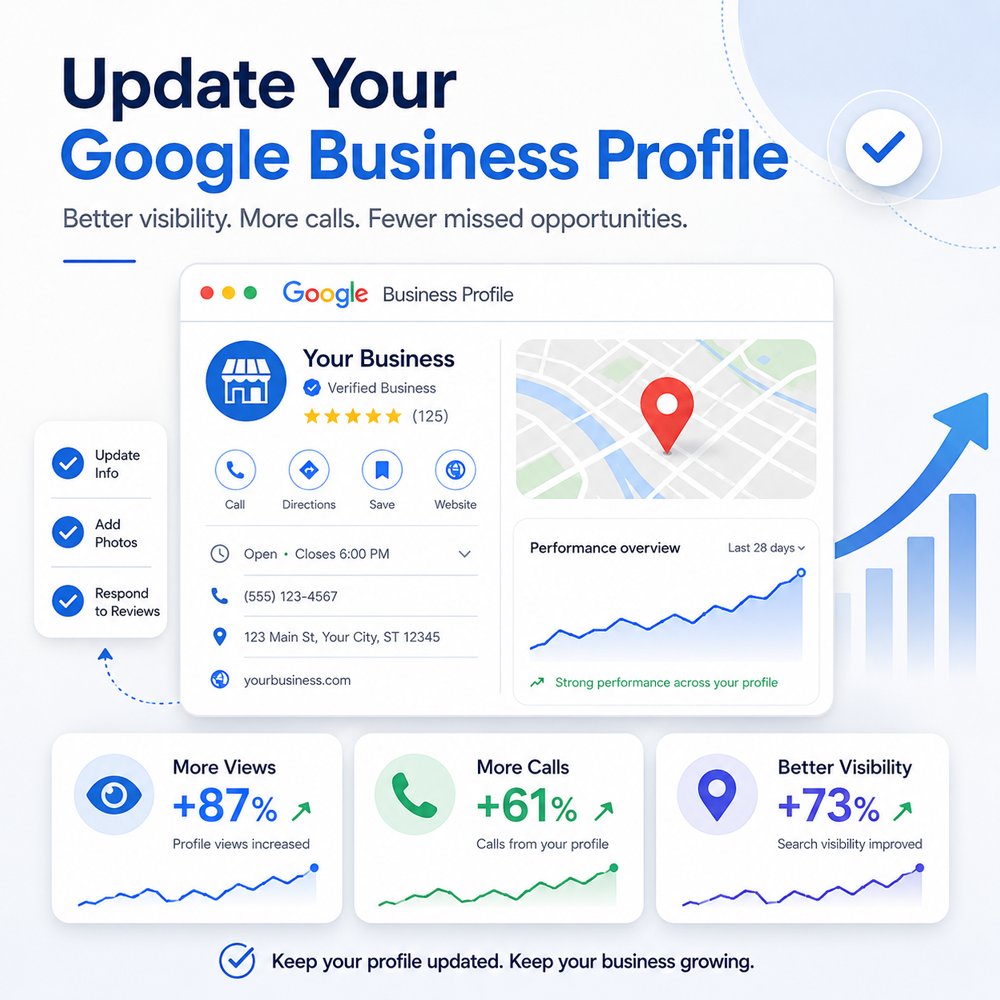

Start With the Basics
Before worrying about posts, reviews or anything fancy, make sure the information Google is showing about your business is correct.
Check your:
- Business name
- Address
- Phone number
- Website
- Hours
- Map location
- Primary business category
Most of these seem obvious, but don’t just glance at them and assume they’re right. Open the website link. Check the phone number. Look at the hours. Search for the business on Google and see what a prospective client actually sees.
And while you’re checking the address, don’t forget the map itself.

Check Your Map Pin, Not Just Your Address
Have you ever been driving around looking for an address and Google Maps sends you to the wrong spot, or it’s on the other side of the street? That’s not necessarily Google Maps’ fault. The pin may simply be in the wrong spot.
For that new client, the business was located inside a building shared with several other businesses. The address itself was correct, but the map pin needed a spot check. I pulled up the building, checked where the other businesses inside it were positioned on the map, and compared their pins to find the common location Google was using for that property.
Was that a little more work than simply confirming the address? Yes. But it was worth doing.
Like we mentioned earlier, a misplaced map pin can make it harder for someone to find your office, especially in a large building, business complex or shared professional space. It can also create confusion when a prospective client taps “Directions” and ends up on the wrong side of the property or somewhere that doesn’t match what they see when they arrive.
Your Google Business Profile is often one of the first places someone interacts with your business. If Google is giving them directions, you want those directions to get them as close to the right place as possible.
Now Look at What’s Missing
Once you know the information that is there is correct, start looking at what isn’t there.
This is where a lot of Google Business Profiles have room for improvement. The basics may all be accurate, so at first glance everything looks fine. But an accurate profile isn’t necessarily a complete profile.
Take a look through all of the editing options available for your business. Depending on your business type, you may find places to add or update things like:
- Additional business categories
- Business description
- Services
- Service areas
- Appointment or booking links
- Business attributes
- Accessibility information
- Languages
- Social media links
- Other details specific to your type of business
Don’t feel like you need to fill in something just because Google gives you a field for it. The goal here is to give Google and potential customers an accurate picture of who you are, what you do and how you serve them.
For example, if Google suggests services that sound related to your industry but you don’t actually offer them, don’t add them. The same goes for service areas. Listing cities simply because you would like to rank there isn’t the point. Your profile should reflect the areas you genuinely serve.
The details may seem small individually, but together they can make your profile much more useful to someone trying to decide whether your business is the right fit.

Make Sure Google Understands What You Actually Do
Now take a closer look at your business categories and services.
Your primary category should describe the main thing your business does, and any additional categories should still genuinely apply to the services you provide. Then look at the individual services listed on your profile and make sure they match what you currently offer.
This is one area where more is definitely not always better.
It can be tempting to add every related category or service you see, especially if you think it might help your business appear in more searches. But showing up for a search is only useful if the person searching is looking for something you can actually help them with.
Remember, you only want calls from people who need your actual services. Don’t waste their time or yours trying to rank for everything.
Being specific also helps Google get a clearer understanding of your business. Your categories, services, business description and website should support the same overall picture of what you do.
So while you’re reviewing this part of your profile, ask yourself:
- Does my primary category accurately describe my main business?
- Are my additional categories relevant?
- Are all of the services listed things we currently provide?
- Are important services missing?
- Does the language on my Google Business Profile match what we say on our website?
You don’t need to appear for every possible search. Let’s just make it easier for the right people to find you.
Tell Google Where and How You Serve Clients
Next, take a look at how and where you serve your customers.
This part can be a little more nuanced than simply listing your office address. Some businesses serve customers only at a physical location. Others travel to their customers. Some do both. And many professional services now work with clients remotely by phone or video.
Make sure your Google Business Profile reflects how your business normally operates.
There is an option to hide your address if you don't meet people there. Only list your physical office address if clients are really able to meet you there. If appointments are required, say so. If you offer online or phone appointments, add that too.
Then review your service areas.
Your service areas should represent the places where you genuinely work with customers, not every city or county you would like to show up in.
For the client I was working on, this meant separating the physical office location from the broader areas where the business could serve clients remotely. That gave us a much more accurate picture of how the business really works.
This matters because someone looking at your profile is often trying to answer a very basic question: Can this business help me where I am?
The clearer you make that answer, the easier it is for someone to know whether they should contact you.
While you’re reviewing this section, check:
- Do customers actually visit you there?
- Are appointments required?
- Do you offer online or virtual appointments?
- Are your service areas current?
- Are you listing only places you genuinely serve?
Your profile should reflect the way your business works today, not the way it worked when you first created the listing.

Don’t Skip the Smaller Details
Once the major information is taken care of, keep going.
Google Business Profile includes a lot of smaller details that are easy to overlook because none of them seems especially important on its own. But this is where you can give people a better idea of what working with your business is actually like.
Depending on what Google makes available for your business, you may be able to add information about:
- Languages spoken
- Accessibility
- Appointment requirements
- Online appointment options
- Business attributes
- Social media profiles
- Photos, logos and cover images
- Other features specific to your business category
Some of these details may seem minor, but they can answer questions before someone ever needs to call. Maybe they need to know whether you speak their preferred language, whether your location is accessible, or simply what to expect before they arrive.
And don’t overlook your photos.
Your logo, exterior or office photos, team photos and other relevant images help someone recognize your business and get a better sense of what to expect. If the last photos on your profile are several years old, take a look at whether they still represent your business accurately.
This is also another good place to compare your Google Business Profile with your website. Your branding, contact information, services and other basic details should make sense together.
None of these things is likely to transform your profile by itself. But when the information is complete, current and consistent, the whole profile becomes more useful.
Keep Your Profile Updated
Once your profile is cleaned up, don’t treat it like a finished project.
Businesses change. Services get added or removed. Hours change. Staff changes. New photos become available. Google may also add new profile features over time.
It’s worth checking your Google Business Profile periodically to make sure the information still reflects the business you have today.
This is also a good time to keep an eye on reviews and recent activity. Respond to reviews when appropriate, add updated photos, and use Google Posts when you have something genuinely useful to share, like an announcement, event, service update or recent news related to your business.
You don’t need to constantly change things just for the sake of activity. You just don’t want your profile sitting untouched for years while your business moves on without it.
A quick review every so often can catch outdated information, missing details and features you may not have noticed before.
Which brings us right back to where this started.
I opened a client’s Google Business Profile expecting a routine review. Most of the information was fine. But once I started looking more closely, there was a lot more worth updating than I expected.
That’s probably true for more businesses than we realize.