

 SPF: the guest list at the door
SPF, which stands for Sender Policy Framework, is basically your domain’s guest list. It lives in DNS and tells receiving mail servers which IPs or systems are allowed to send email on behalf of your domain. When your message arrives, the receiving server checks whether the sending server is on that list. If it is, lovely. If it is not, your email starts to look like someone trying to get into a wedding by announcing, “I’m definitely a cousin.”
In plain English, SPF answers one question: is this server allowed to send email for this domain? Helpful, yes. Sufficient on its own, not really. Microsoft notes that SPF only validates the MAIL FROM domain and can break when email is forwarded, because the forwarding server was not the original authorised sender. So SPF is a good start, but it is not the full story.
 DKIM: the tamper seal
DKIM, short for DomainKeys Identified Mail, is the tamper-evident seal on the envelope. It adds a digital signature to important parts of the email, and the receiving server checks that signature against a public key published in DNS. If the signature checks out, it helps prove that the message was signed by the domain owner and that the signed content was not altered on the way.
In normal human language, DKIM says, “This email left my building sealed, and nobody has fiddled with it in transit.” It also matters because, unlike SPF, DKIM can still validate some messages that run into forwarding issues. So if SPF is the guest list, DKIM is the wax seal that says the letter has not been opened by a raccoon on the journey.
 DMARC: the manager with the clipboard
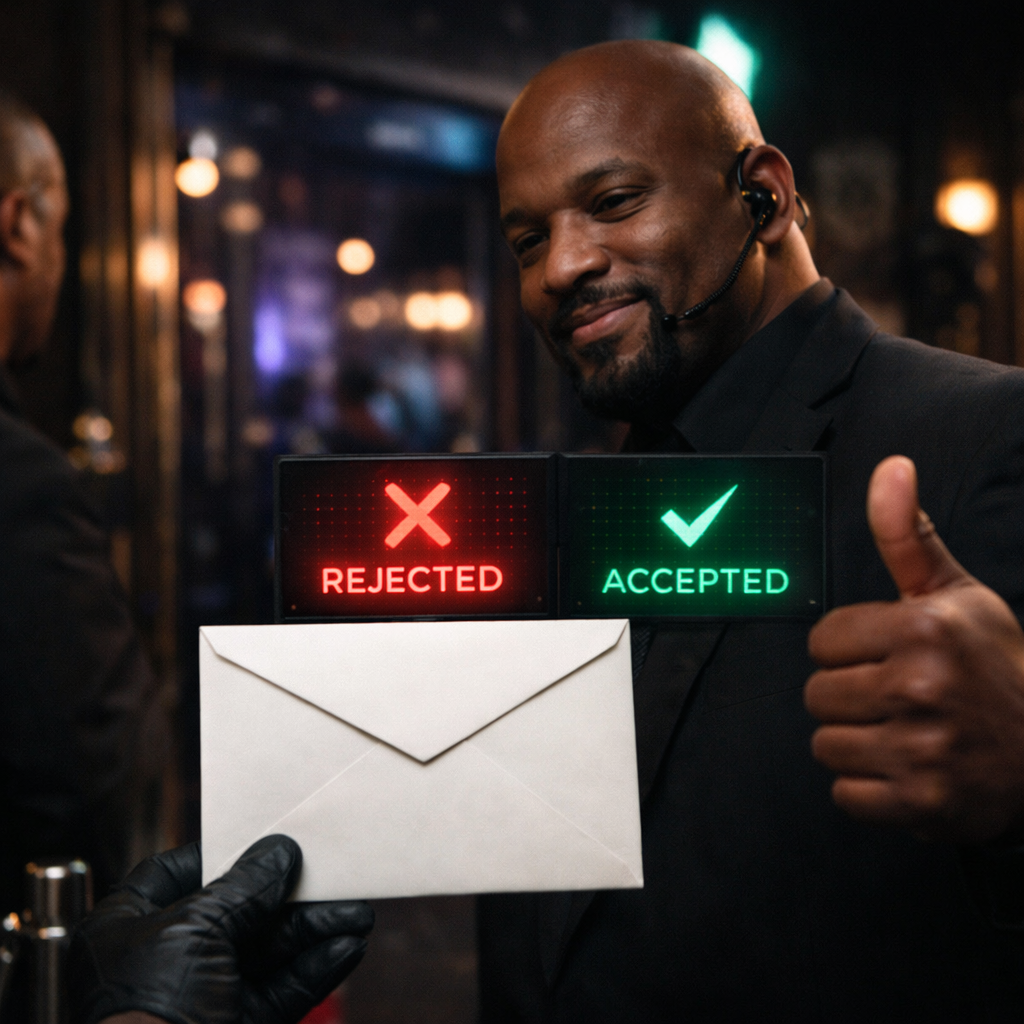
DMARC, which stands for Domain-based Message Authentication, Reporting and Conformance, is the one that ties everything together. It uses SPF and DKIM, checks whether one of them aligns with the domain people actually see in the From address, and tells the receiving system what to do if the message fails. It can also send reports, which help you see who is sending email using your domain, including the senders you forgot about and the ones you wish had never existed.
The DMARC policy itself is simple. p=none means “watch and report, but do not enforce yet.” p=quarantine means “this looks suspicious, treat it like spam or junk.” p=reject means “absolutely not, send it away.” Microsoft recommends a gradual rollout, starting with p=none, then moving to p=quarantine, then p=reject, once you know your legitimate senders are properly covered.
Why all three matter
This is the easiest way to think about it. SPF checks where the email came from. DKIM checks whether it was tampered with. DMARC checks whether the identity story actually matches the visible From address and tells inbox providers what to do if it does not. Microsoft describes SPF, DKIM and DMARC as interdependent building blocks, and Google says authenticated messages are less likely to be rejected or marked as spam. Translation: one security guard is good, three are better.
This is also why “but the email sent successfully from our system” is not the same thing as “the email was trusted by the recipient’s inbox.” Sending is only half the job. Being believed is the other half. Email authentication is not a vibe. It is a set of DNS records.
So why are your emails not reaching Gmail and friends?
Very often, the answer is boring but fixable. Your SPF record may be missing or incomplete. DKIM may not be turned on. DMARC may not exist. Or a third-party platform, like a CRM, newsletter tool, invoicing system or helpdesk, may be sending on your behalf without being properly included in your domain’s authentication setup. Google specifically advises senders using an email service provider to verify that the provider authenticates the domain with SPF and DKIM, and Microsoft says that even when you use a third-party vendor, authentication is still tied to your domain DNS.
That means the problem is often not your wording, your subject line, or the fact that Mercury is in retrograde. It is simply that the receiving system does not trust the identity of the email. And in 2026, trust is not assumed. It is checked.
One small reality check
SPF, DKIM and DMARC are the foundation, not a magic wand. Google and Yahoo also care about spam complaint rates, unsubscribe handling and general sending hygiene. Google says bulk senders can face spam foldering or rejections for issues like missing authentication, lack of DMARC, and other sender requirement failures, while both Google and Yahoo tie bulk sender compliance to low spam complaint rates and easy unsubscribe for marketing mail. So yes, the records matter enormously, but they do not give anyone a licence to email a cold list like an over-caffeinated maniac.
The bottom line
If your emails are not reaching clients on Gmail, Yahoo, Hotmail or Outlook, SPF, DKIM and DMARC are the first things to check. They are no longer optional technical garnish. They are basic proof that your domain is who it claims to be. Without them, your email can look like an impersonator. With them, your messages have a much better chance of being treated like legitimate business communication rather than a suspicious stranger wearing a badge that says “Definitely Not Spam.”