
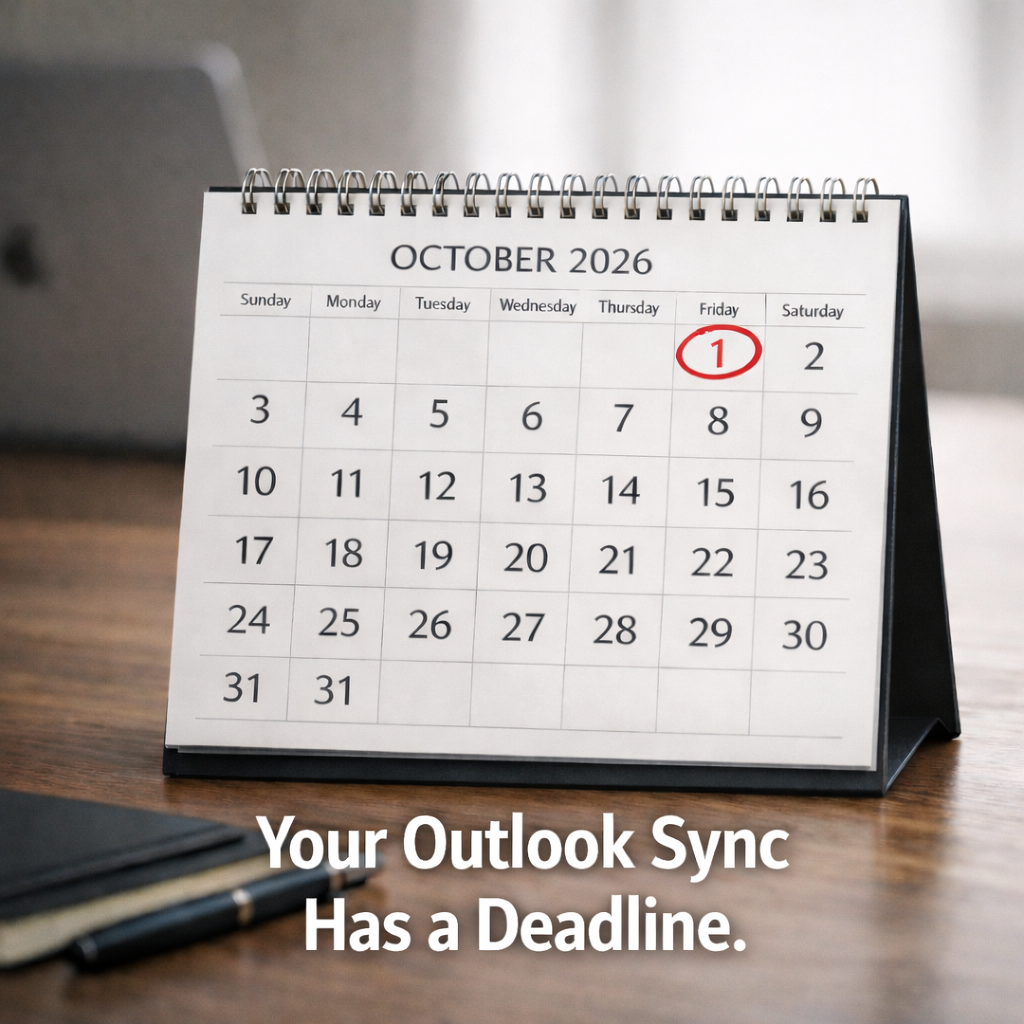
 The real deadline isn’t Amicus. It’s Outlook.
Many Amicus firms rely on the Outlook/Exchange links to keep life organized: contacts, appointments, tasks, and email filing. The Amicus links were built for a world where Microsoft Exchange played by older rules, and those rules are changing. Amicus itself describes the Outlook/Exchange Contacts & Calendar Link as a bi‑directional synchronization between Amicus contacts/to‑dos/appointments and Outlook contacts/tasks/appointments.
There’s also the Outlook/Exchange E‑mail Link that lets you manage and save Outlook emails (and attachments) from within Amicus.
Microsoft has announced that Exchange Web Services (EWS) in Exchange Online is being disabled starting October 1, 2026, and then fully and permanently shut down on April 1, 2027. Microsoft has also been very clear that this retirement applies to Microsoft 365 / Exchange Online, not on‑prem Exchange Server.
So if your firm is using Microsoft 365 and your Amicus Outlook/Exchange sync depends on those legacy connection methods, you are staring at a calendar event you cannot snooze.
“But we don’t even use the sync.”
Then you may be fine, at least in the short term.
If your team lives entirely inside Amicus for calendaring and contacts, and Outlook is just an email client that nobody expects to mirror Amicus data, then Amicus should keep functioning the way it does today, minus whatever Outlook link features become unreliable or stop working.
But for the firms who need the classic workflow, the plot thickens.
The classic workflow: Amicus calendar in the office, Outlook calendar everywhere else
This is the scenario we hear constantly:
You want staff to enter appointments in Amicus because that’s where matters, files, reminders, and practice workflows live. But attorneys want to see those appointments in Outlook, because Outlook is also what shows up on their phones, their laptops, their tablets, their everything. Outlook becomes the “single pane of glass” for the day, and Amicus becomes the “single source of truth” for the case.
That setup works beautifully right up until it doesn’t. And calendar chaos is not the kind of surprise any lawyer enjoys.
So the question becomes: What do you replace Amicus with, and how do you choose without making yourself miserable?
If you want the side‑by‑side rundown we covered previously (including Clio, MyCase, and CARET Legal), here’s that earlier post:
This post is about something more important than product names.
It’s about selection strategy, because picking a practice management system the wrong way is how firms end up with a shiny new subscription and the same old headaches, just now in the cloud.
 Start at the end: the “verdict” you want, then work backward
In law, you do not start by buying a briefcase and then figuring out what case you’re trying. You start with the outcome: settle, dismiss, win at trial, avoid appeal, protect the record. Then you build backwards.
Software selection should be the same. If this feels overwhelming, it’s usually because firms start at the beginning: features, demos, pricing pages, buzzwords, and an AI button that promises to “revolutionize” your workflow while quietly refusing to format a pleading properly.
Instead, start here:
What is the actual goal?
Be annoyingly specific. “Replace Amicus” is not a goal. That’s a chore.
A goal sounds like:
You want reliable matter‑based calendaring that shows up on Outlook and phones, without duplicate events and without someone becoming the full‑time Calendar Detective.
Or:
You want time entry that attorneys will actually do, billing that doesn’t require a sacrificial offering, and a clean trust workflow that won’t give your bookkeeper an eye twitch.
Or:
You want remote access that doesn’t feel like you’re operating a crane with oven mitts, plus modern document management that keeps versions under control.
Once you can say the goal in one sentence, the rest gets easier, because now every vendor pitch has to answer a simple question: Does this move us toward the goal, or is it just noise?
 The questions you should ask (and the follow‑up questions that matter more)
You listed the exact right questions. The trick is turning them into a selection process instead of a pile of anxiety. Let’s walk through them with the kind of depth vendors rarely volunteer during the demo.
1) “Will the replacement do what Amicus does?”
This sounds simple until you realize nobody uses “Amicus” in the same way.
Some firms use it as a true practice hub: matters, contacts, documents, docketing, communications, billing. Other firms use it as a matter list plus a calendar plus “the place we store that one note we can’t lose.”
So before you compare products, do a quick Amicus reality check:
Describe how your firm actually works today, including the messy parts. Which features are core to your day, and which are the software equivalent of a treadmill: you own it, you feel guilty about it, you never touch it.
If you do not inventory what you use, you’ll buy a replacement that looks “more powerful” but misses the two things that quietly keep your firm running: your calendar workflow and your matter structure.
2) “Are there additional capabilities we could use?”
This is the fun question, and also the dangerous one.
Extra capabilities are only valuable if they are adopted. Otherwise, they become expensive shelf décor.
Here are the upgrades that usually matter for former Amicus firms, because they reduce friction instead of adding “cool”:
A stronger client intake pipeline, better task automation, easier document collaboration, and a healthier integration ecosystem.
Cloud tools often shine here because modern platforms have stronger Microsoft 365 connections and web‑based integrations, rather than brittle legacy connectors.
3) “What’s the response time if we need support?”
Ask this like you’re drafting a contract clause, not chatting at a cocktail reception.
You want to know:
When support is available, how to contact them, how escalations work, whether there are SLAs, and what happens when the issue is “integration related,” which is vendor‑speak for “not it.”
A practical move: during evaluation, send a support‑style question as if you were already a customer. Not a sales question. A real one. Measure response time, clarity, and whether the answer looks like it was written by someone who has actually seen a law office.
4) “How reliable is the link to Outlook?”
This is where the industry has a quiet split, and it matters.
There is a big difference between:
An Outlook add‑in that helps you file emails to a matter, start timers, and associate communications, and
A calendar/contact sync that tries to keep two systems perfectly aligned forever.
Add‑ins tend to be cleaner because they’re more transactional: file this email, log that time entry. For example, Clio and MyCase both offer Outlook add‑ins focused on email filing and matter association.
Calendar sync is where gremlins live, especially with recurring events, edits on mobile devices, and duplicates that multiply like they’re billing by the hour.
If you want a sync that behaves, you need to decide, up front:
Which system is the “system of record” for calendaring?
If both are “the boss,” neither is.
Some platforms handle this by creating a dedicated calendar inside Outlook that syncs with the practice management system, and only that calendar syncs. MyCase describes that approach in its Outlook linking documentation.
Also, do not ignore the new Outlook issue. Microsoft’s new Outlook for Windows does not support COM add‑ins the way classic Outlook did; it’s moving toward web add‑ins as the long‑term model.
That means vendors relying on older desktop‑only plugins can create future friction. CARET Legal, for example, notes in its support documentation that its Outlook plugin supports Outlook Desktop, and that New Outlook and Outlook Web App are not currently compatible with that integration.
This doesn’t automatically make anything “bad.” It just means you should align the software choice with your Microsoft roadmap, instead of discovering incompatibilities the week you standardize on New Outlook.
5) “What will it cost me to migrate?”
Migration cost is rarely just “data import.”
Think of it as a three‑part bill:
The data move (export, map, import, validate),
The rebuild of what made your system yours (templates, fields, workflows, permissions),
The downtime and productivity dip during changeover.
Structured data (contacts, matters, calendars, tasks, time entries) tends to migrate more predictably. Unstructured data (documents, email history, attachments, weirdly named folders from 2009) is where timelines go to die.
A migration estimate that does not include time for validation and cleanup is a wish, not a plan.
6) “What information will come over?”
This is the question where you should ask for examples, not assurances.
Ask the vendor or implementation partner to show you:
A sample mapping of Amicus fields to the new system,
How custom fields are handled,
What happens to closed matters,
How notes and communications appear on the other side.
If your firm has years of matter metadata, your real risk is not “losing” data. It’s importing it into a new system in a way that makes it unusable. Data that exists but can’t be found is basically lost, and it will haunt you right when you need it for a conflict check or a panicked client call.
7) “What will it cost to set the new program up properly?”
This is where firms either succeed or end up recreating Amicus manually inside a new tool.
“Set up properly” means:
User roles and permissions that match how your firm actually operates,
Matter types and naming conventions that keep things consistent,
Templates that reflect your work product,
Calendaring rules that are predictable,
Billing settings that match your reality, not the vendor’s sample firm.
If you do not budget time and money for this part, you will still pay for it. You’ll just pay in frustration and rework.
8) “What about training?”
Training is not optional. It’s the adoption engine.
The goal is not to turn everyone into a power user. The goal is to make sure every person knows how to do the ten things they do every day, inside the new platform, without inventing side workarounds.
A good approach is phased, not heroic: pilot group first, then expand, with short role‑specific training sessions that match what each person actually touches.
9) “Would we benefit from integrated AI?”
Maybe. But you want AI the way you want a helpful intern: fast, organized, and supervised.
The real value tends to show up in:
Summarizing long threads into something actionable,
Drafting first‑pass client emails and internal updates,
Turning meeting notes into task lists,
Finding information quickly across matters.
The risk shows up when firms assume AI is a fact machine or a judgment machine. It isn’t. It’s a language machine, and language can sound confident while being wrong, which is not a vibe you want near a deadline or a client instruction.
If AI is on your checklist, ask vendors the unglamorous questions:
Where does your data go, is it used to train models, can you opt out, what permissions apply, and how do audit logs work?
AI can be a force multiplier, but only if it respects confidentiality and firm controls.
 The EWS factor: why “we’ll deal with it later” is the expensive option
Microsoft’s timeline is not vague, and it is not philosophical.
EWS disablement begins October 1, 2026 for Exchange Online tenants that have not taken action, and the final shutdown is April 1, 2027 with no exceptions.
Could you try to white‑knuckle it with temporary Microsoft 365 admin settings? Possibly, for a little while, depending on your environment and what Microsoft allows as part of the phased disablement plan.
But that’s like filing for an extension when what you actually need is a better litigation plan. It buys time. It does not solve the underlying dependency.
If your firm needs Amicus‑to‑Outlook‑to‑phone synchronization to function cleanly, the safest move is to select a platform with modern Microsoft 365 integration patterns now, not after the first “why did my hearing disappear?” panic.
 The sanity-saving selection process we recommend
Here’s the framework we use with firms so this doesn’t become a never‑ending demo parade.
First, we define the goal and the non‑negotiables. Then we shortlist only the platforms that can meet them. Then we test the one thing that always breaks first: calendaring and communications workflows.
At that point, your decision is no longer emotional. It’s evidence-based, like a good case file should be.
If you’re reading this and thinking, “Okay, I get it, but I still don’t want to do it alone,” that’s exactly what we’re here for.
At 2b1 Inc., we can help you keep legacy Amicus stable where it makes sense, and we can also help you evaluate and migrate to a modern practice management platform when the Outlook sync clock makes that the smarter move.
Your calendar should not be a thriller novel. Let’s make the next chapter predictable.
Call us today at 415-284-2221 or fill out the form below.