

Step One: Decide what’s moving (and what should stay buried)
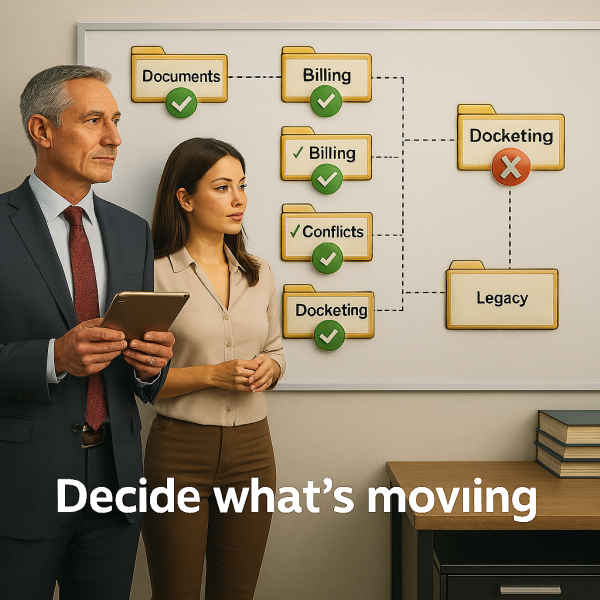 Before anyone touches an export button, you need to answer one deceptively simple question:
What data are we actually bringing over?
“All of it” is not a strategy. It’s a cry for help.
You need to decide, system by system:
-
Documents: everything, or only active matters?
-
Practice management: closed matters from 2003, or just the ones lawyers still remember?
-
Billing and accounting: full history, partial history, or an “as of” date?
-
Trust: trick question. The answer is always “everything and perfectly reconciled.”
-
Conflicts: yes. All of it. Names, former names, affiliates, weird spellings, everything.
-
Email: mailboxes, shared folders, archives, or just the inboxes lawyers refuse to delete?
These decisions are not technical. They are operational, ethical, and sometimes political. Make them early. Write them down. Do not revisit them every week.
Step Two: Test your assumptions with a small, judgmental sample
 Before migrating the entire firm, pick a small sample of data that represents your worst behavior:
-
A client with trust balances
-
A matter with LEDES billing
-
A messy contact list with duplicates and aliases
-
A litigated matter with docketing rules
-
At least one partner who always finds the edge case
Export that sample and map it into the target system.
This is where you learn important things like:
-
Fields do not line up as nicely as the demo suggested
-
Some data is not as “clean” as everyone believed
-
One system thinks “status” means something very different than the other
This step saves marriages. And weekends.
Step Three: Break things safely in a staging environment
 Never test a migration in production. Never. Not even “just once.”
Set up a staging environment and import your sample data there. Then hand it to the people who actually use each system:
-
Billing reviews time, invoices, and trust
-
Conflicts reviews search results, not just record counts
-
Docketing checks dates that could get someone sanctioned
-
Document specialists check permissions and metadata
They will find problems. This is good. Adjust your export and import rules until the data looks boring. Boring is success.
Step Four: The real migration (aka, measure twice, cut once)
Before the real import:
-
Freeze the old systems
-
Take backups of everything
-
Reconcile trust, WIP, and A/R
-
Print the cutover checklist and assign owners
Then migrate in a logical order:
-
Users and security
-
Clients and matters
-
Rates and timekeepers
-
Time, expenses, and billing
-
Trust and accounting
-
Conflicts and docketing
-
Documents and email
Afterward, verify with the same experts who tested staging. Expect cleanup. Plan for cleanup. Cleanup does not mean failure. It means reality showed up.
Step Five: Get help when it makes sense
Some vendors offer migration assistance. Some do it well. Some do it partially. Some do it “mostly.”
Ask very specific questions:
-
Exactly what data can you extract?
-
Exactly what can you import?
-
What happens when fields don’t match?
-
Who fixes problems, and how many test runs are included?
Sometimes hiring a specialist costs less than fixing a broken migration after go-live. That is not a coincidence.
The short version
Law firm mergers don’t fail because the firms chose the wrong software. They fail because data was treated like an afterthought instead of a core deal term.
If you want a serious, no-nonsense checklist that walks through this step by step, we put together a full Law Firm Merger Data Migration Playbook you can download and use with your team.
No jokes. No emojis. Just the stuff that keeps trust accounts balanced, conflicts clean, and lawyers billing on Monday morning.
👉 2b1 Inc – Law firm Merger Data Migration Playbook and Checklist
Written by Paolo Broggi
Because merging firms is hard enough. Your data doesn’t need to make it harder.
 Ready to merge without the chaos?
If your firm is heading toward a merger (or already knee-deep in one) and you’d rather not discover migration problems after go-live, let’s talk.
Call us at 415-284-2221 or fill out the form below to start a conversation about your merger, your data, and how to get from two firms to one without surprises.
No sales pitch. No panic. Just practical advice from people who’ve done this before.